
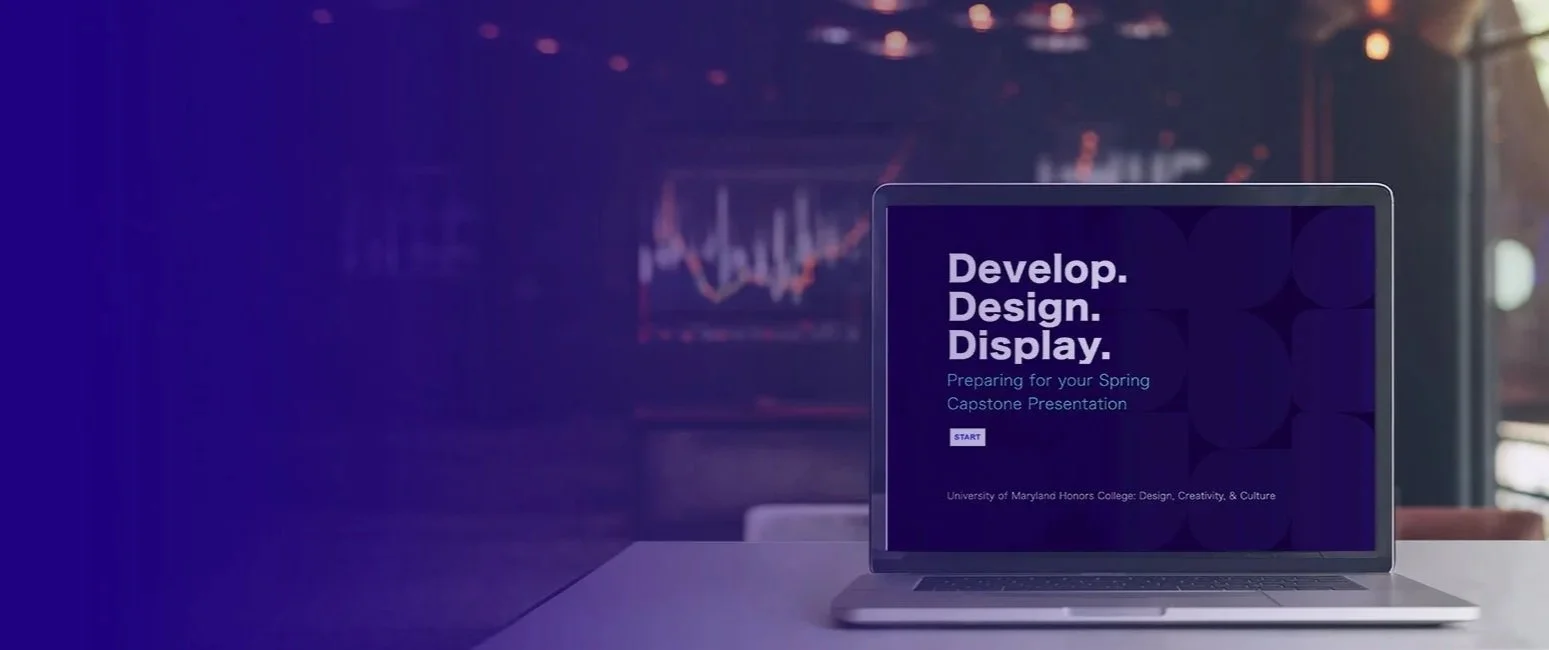
Presentation Coaching
In my current role as an instructor for a Living Learning Community for the University of Maryland Honors College, I coach students through their sophomore year capstone project. In building their own unique Capstone project, students learn to think outside disciplinary boundaries, take creative risks, and approach problems from multiple perspectives.
At last year’s Capstone Fair, I witnessed a brilliant project get lost in a game of musical chairs. A student was trying to demo their work on a single laptop, constantly turning the screen back and forth to click buttons and then show me the result. In that moment, I realized the user experience of the presentation was failing the project. The students were experts in their research, but they were struggling to bridge the gap between their data and their audience.
I don’t teach all of the students in this program. So I needed a solution that would allow me to reach every student and quickly introduce them to essential skills for presenting their work.
Tools Used: Adobe Captivate, Adobe Illustrator, Adobe Stock Photos, Google Gemini
Identifying Hurdles
As I walked the floor of last years fair, I identified a few recurring disconnects:
Narrative Fog: The project were awesome, but some did not communicate a clear 'Why'. The purpose and intended impact were buried under technical jargon or extravagant visuals.
Visual Static: Many students had a good grasp of what looks good, however certain projects were missing fundamental hierarchy and contrast needed to guide a viewer’s eye through a complex poster/project.
Demographic Wall: Some students struggled to pivot their pitch for different audiences, whether they were talking to a peer, a professor, or a visitor.
While Adobe Captivate is a powerhouse for building deeply immersive, branched simulations, I initially chose it because I wanted to move beyond a static slide deck. My goal was to create a high-touch experience that functioned as a hybrid between a technical step-by-step guide and a supportive coach—a feat Captivate handles with incredible precision.
However, after seeing how well the audience responded to the streamlined, modern feel of Articulate Rise 360 in a previous lesson, I decided to pivot. It became clear that for this specific group, the intuitive, scrollable flow of Rise offered a more frictionless learning path, so I transitioned the content to that platform to better meet their preferences.
Pace: I designed the module to be self-paced, allowing students to dwell on design principles where they felt weakest.
Scenario: I built an interactive 'What-If' scenario featuring a character who misses the mark by not preparing—then, I walked the student through the corrective steps to see the character's eventual success.
Knowledge Check: To ensure the principles stuck, I integrated interactive quizzes that allowed students to apply best practices in real-time.
This project is currently in its active testing phase. I am working with a pilot group of students to refine the module's instructional flow before the next Capstone Fair. My goal isn't just a completed lesson, but a measurable shift in how students present. I am currently gathering feedback on:
Narrative Confidence: Do students feel more equipped to explain their 'Why'?
Visual Literacy: Is there a visible improvement in the hierarchy of their final posters?
Engagement Loops: Are they better prepared to keep a diverse audience interested?